Case study
Business Continuity Program
A ready-to-deploy training program that keeps 170 hourly call center employees working and paid during emergencies.
Imagine a tsunami warning closes your offices. You have 170 hourly staff members who can’t take calls, and they need real work to stay on the clock.
- Role
- Senior eLearning Developer & Learning Experience Designer
- Organization
- Regional health plan in Hawaii
- Audience
- ~170 hourly customer service and call center employees
- Timeline
- 2 months
- Deliverables
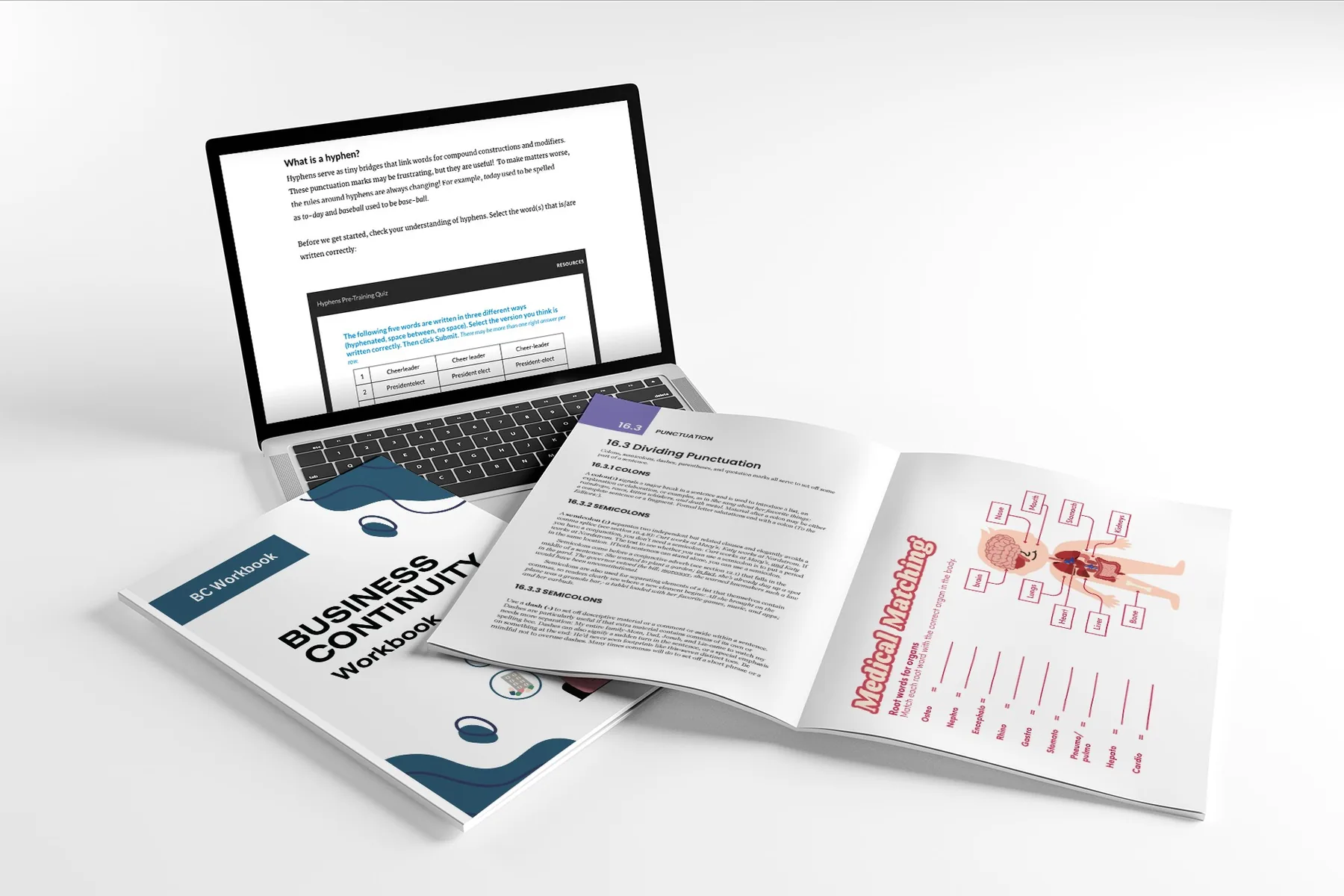
- SCORM course
- Printable workbook
- Supervisor guide
- Games and activities
- Built with
- Rise 360
- Storyline 360
- Adobe Illustrator
- Microsoft Word
- Canva
The challenge
What was in the way
Call center employees are paid hourly and depend on phone systems to work. When an emergency closes an office or takes systems down, they can’t do their usual jobs, but they still need structured work to be paid. Without a plan, around 170 employees could lose pay and benefits, and the company risked losing them.
Leadership didn’t want busy work. They wanted downtime to build real skills. The solution had to work with internet, as a digital course, and without computers or power, as a completely offline alternative. It also had to be simple for supervisors to run in the middle of an emergency.
My approach
How I built it
Designed each format for its medium
The digital and offline versions share the same learning goals, but I deliberately didn’t make them identical. Neither is a watered-down copy of the other.
- Interactive games and activities
- Video content
- Self-paced modules
- Paper versions of the games
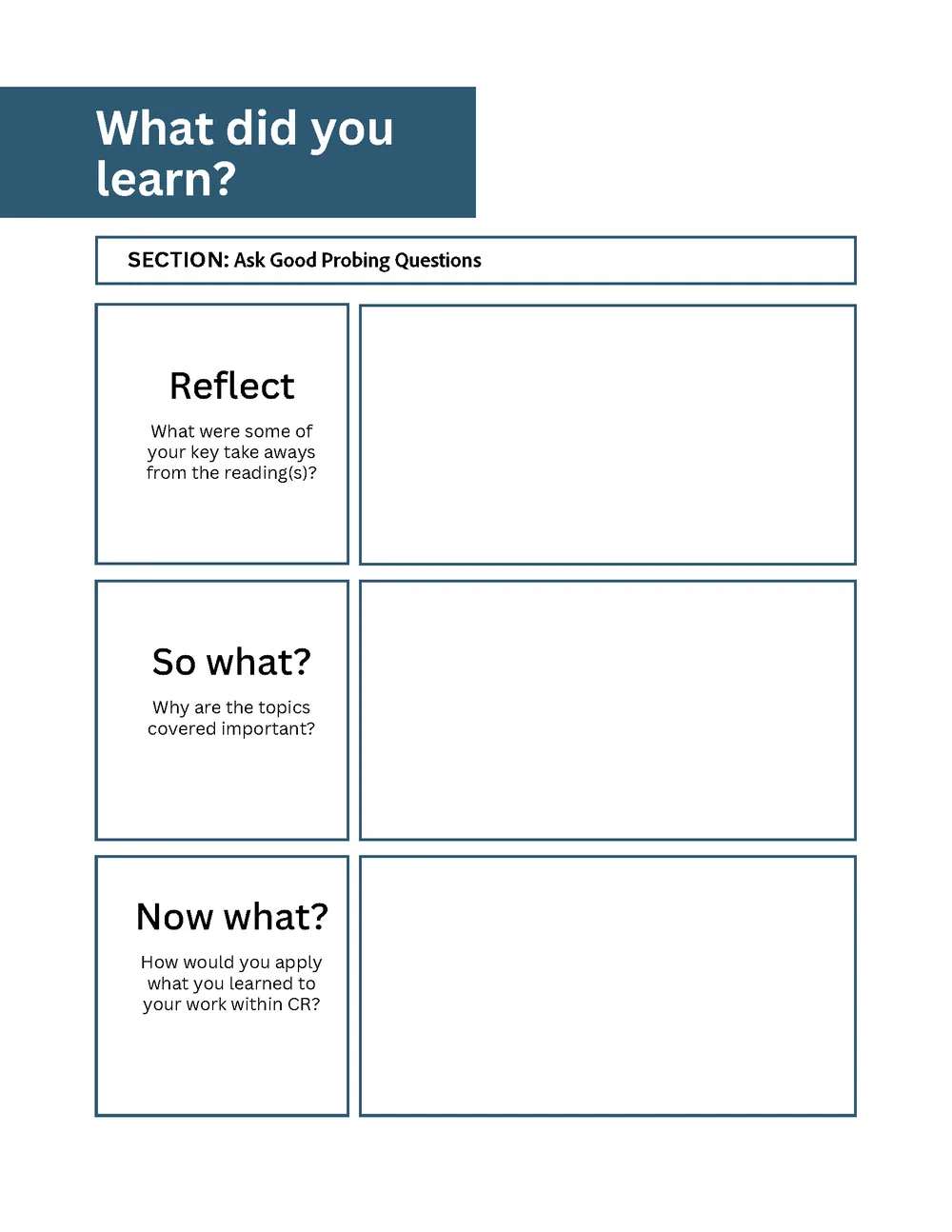
- Reflection and writing activities
- Practice exercises and worksheets
Activities that work on paper and on screen
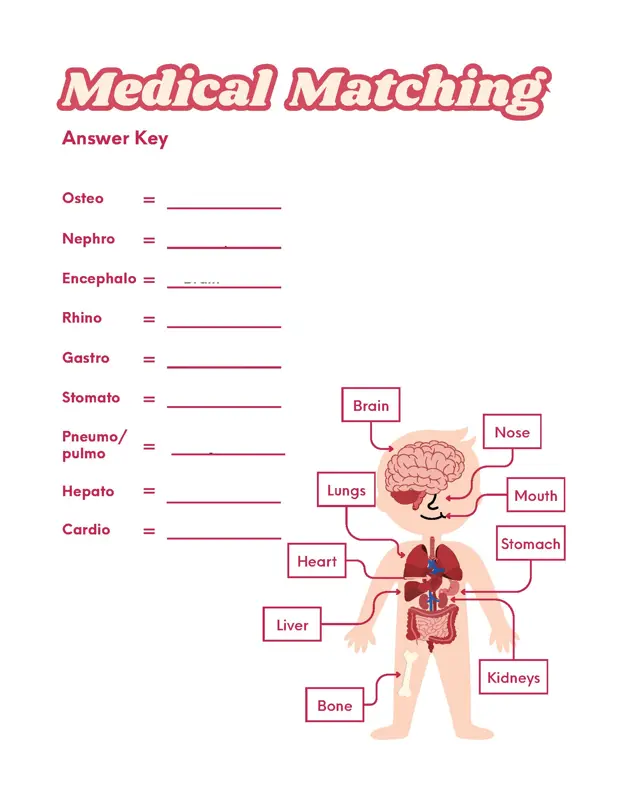
Several activities were built to work both ways. The medical terminology matching game, for example, is done with a pencil in the workbook and with drag and drop (or tap to place on a phone) in the course. Give the digital version a try.
Chose content worth doing
Customer service, medical terminology, and grammar and writing build real job skills. Game-based activities keep people engaged during long or repeated disruptions.
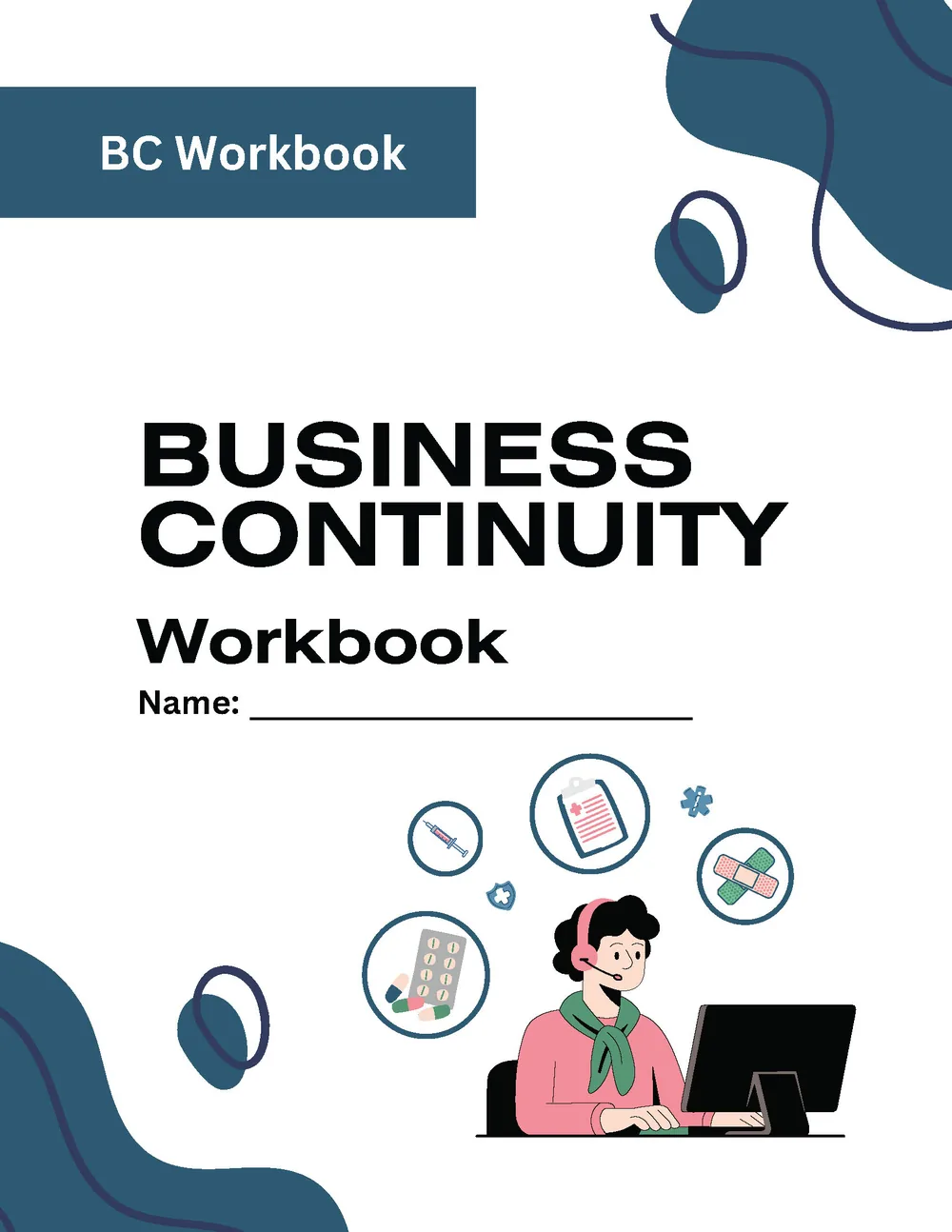
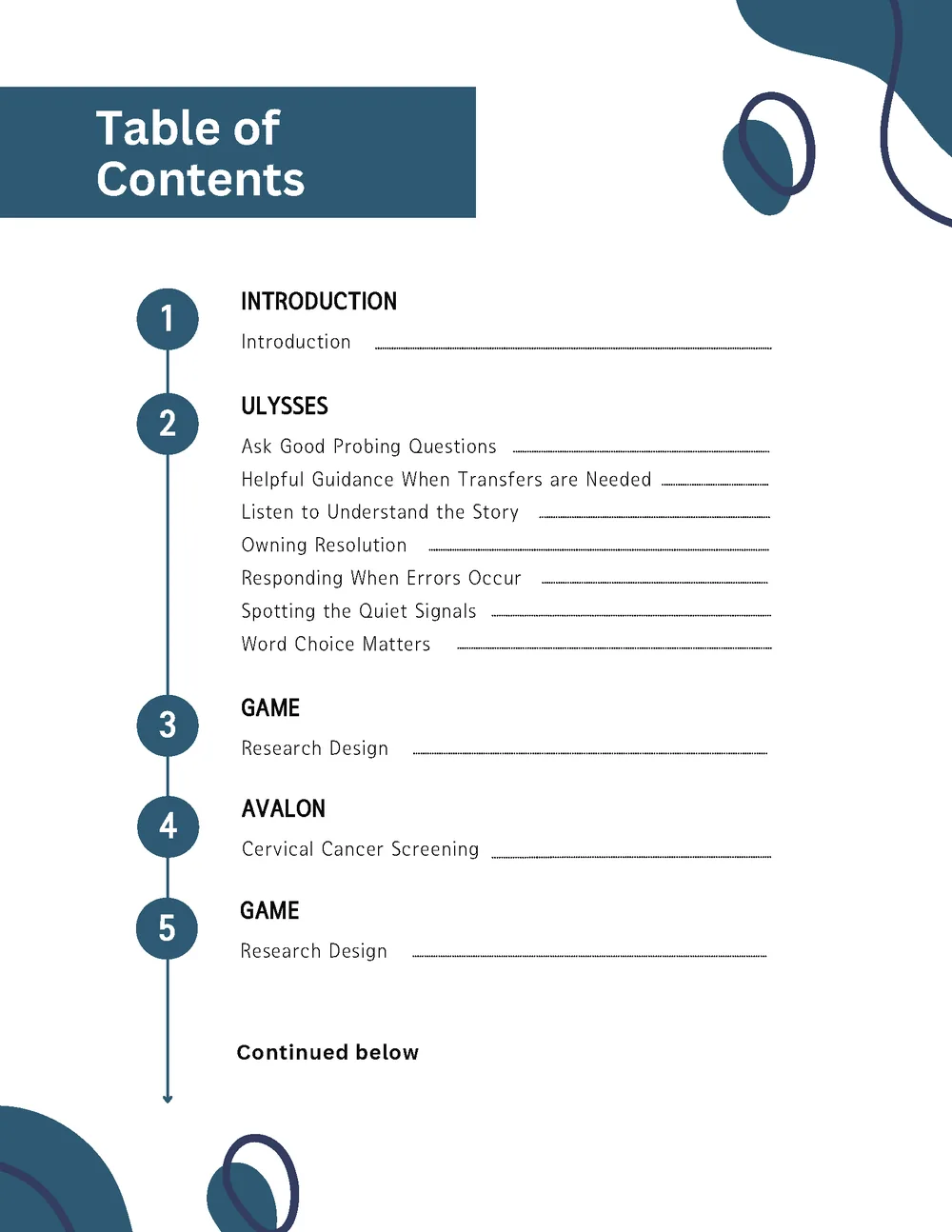
Workbook design and layout are mine. Some decorative art is from Canva.
Designed for supervisors, not only learners
Each chapter ends with a concrete deliverable supervisors can check quickly to confirm completion. A supervisor implementation guide explains how to roll the program out, so it runs the same way at any location.
Results
How it went
- Keeps ~170 hourly employees on the clock when normal operations stop, protecting their pay and benefits.
- Reduces turnover risk during disruptions, when staff might otherwise look for other work.
- Ready to deploy at any location immediately, with or without technology.
- Low supervisor workload: simple chapter deliverables make completion easy to verify.